Windows app · free

DELTARUNE Fight Simulator for Windows. It downloads the game once, keeps it up to date by itself, and plays without the internet.


Or the portable version (5.7 MB, one file, nothing to install).
If Windows shows a pop-up that says “Windows protected your PC”, click More info and select Run anyway. This only occurs because of Microsoft's stupid licensing laws that require you to buy a license to sign your application with a trusted signature, and nobody is doing that. If you're still not sure, you can check the code on GitHub and build the launcher yourself, or install it directly under the Releases tab on GitHub (or you can scan it with VirusTotal).

irm https://deltarunesim.com/install.ps1 | iexcurl -fsSL https://deltarunesim.com/install.sh | sh

Every fight, sprite and song is on your drive. Once it is installed, no connection is needed to play.

When you start it online it checks for a new version and fetches only the files that changed, then shows you the patch notes.

Fights load from your own drive instead of the network, in a window of its own with no browser tabs around it.

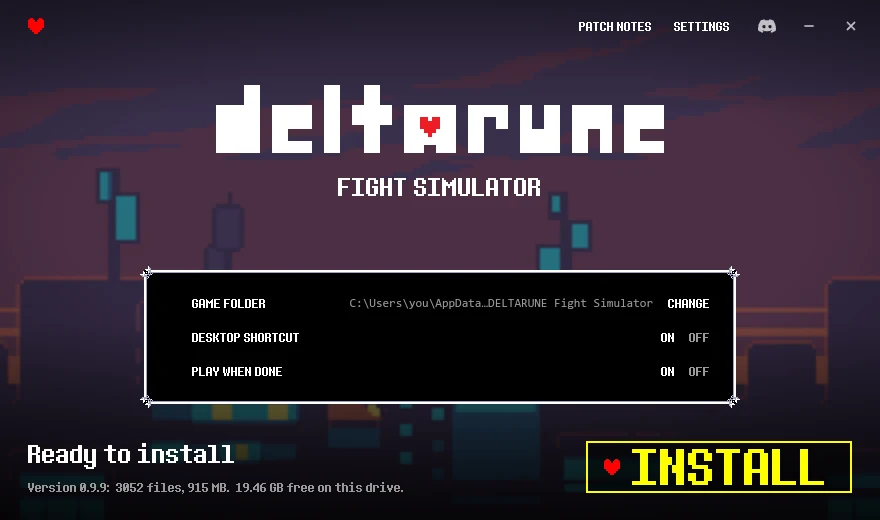
Run the installer. The app opens and asks where to put the game; the default is fine.
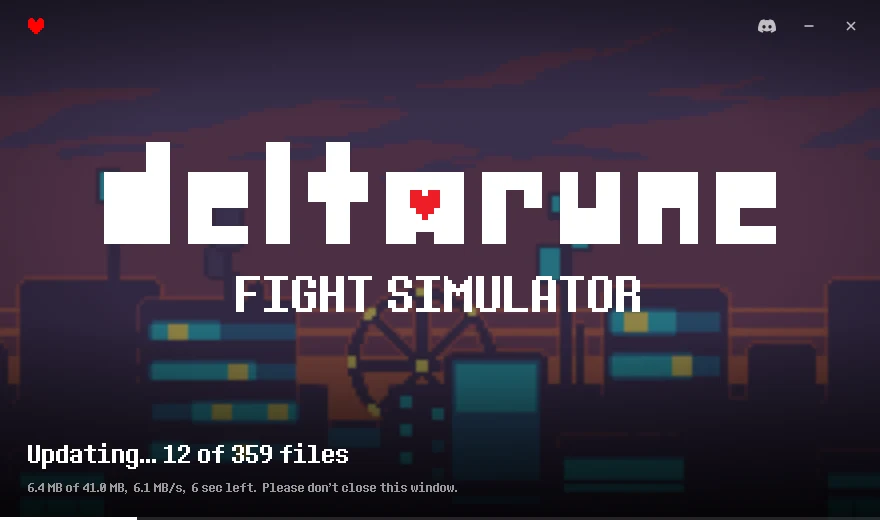
It downloads the game (under 1 GB) and checks every file. You can pause and come back later.
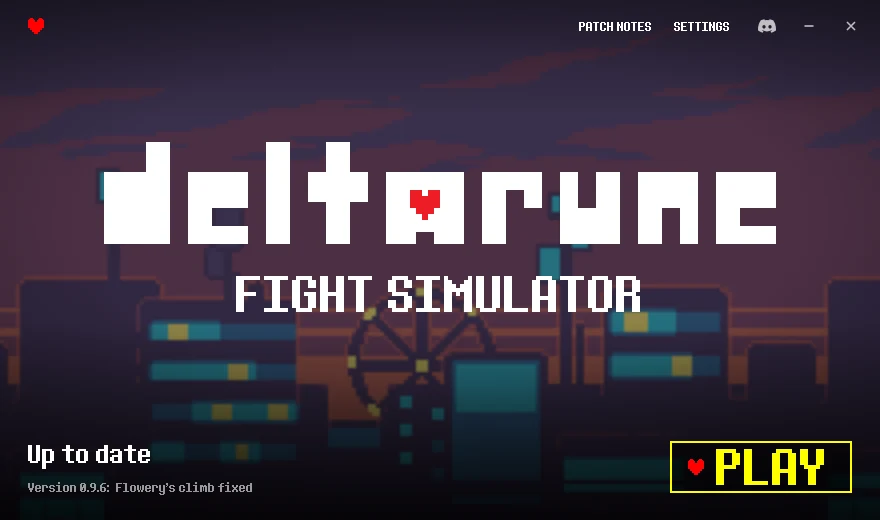
Press PLAY. Next time it opens straight to this screen, online or not.

Is it safe?
The app only talks to deltarunesim.com. Every game file it downloads is checked against a list of SHA-256 hashes before it is used, and updates to the app itself are signed, so a changed or broken file is refused. It runs the same game as the website, with no ads and no accounts.
Why does Windows say "Windows protected your PC"?
Windows SmartScreen shows that for new programs that are not signed with a paid code-signing certificate, and this one is not yet. Click More info, then Run anyway. If you would rather not, the browser version is the same game.
Does it need the internet?
Only for the first download and for updates. After that it plays offline. When it is online it checks for a new version at start.
What does it need?
Windows 10 or 11, 64-bit, and about 1 GB of free space. It uses Microsoft Edge WebView2, which Windows already has; if yours does not, the installer fetches it.
Mac or Linux?
Not yet. The browser version runs on any system with a current browser.
How do I remove it?
Like any other app: Windows Settings, then Apps, then DELTARUNE Fight Simulator, then Uninstall.

The browser version is the same game and needs nothing at all.
